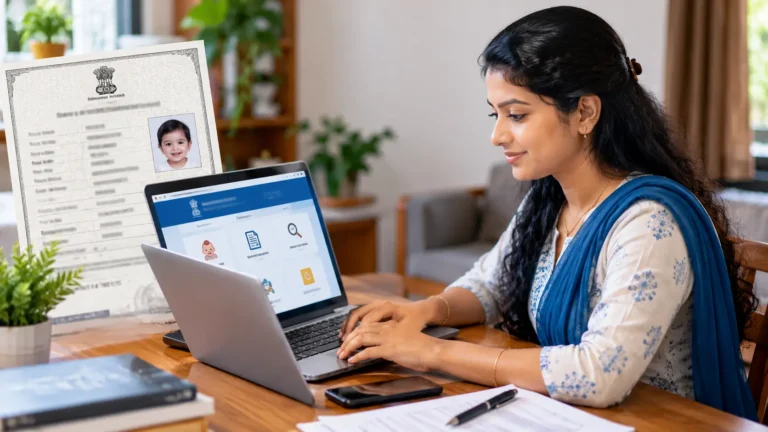
Summary Box: Driving License Renewal Online 2026 makes renewing an eligible driving licence more convenient through the official Sarathi Parivahan system. This guide explains the renewal process, documents, verification, fees and important checks before submission.
Driving License Renewal Online 2026: What You Need to Know
Driving License Renewal Online 2026 is useful for licence holders whose driving licence is approaching expiry or has already expired. The official Parivahan system provides online driving-licence services through Sarathi, allowing applicants to select their state and access the available services. The exact process can vary according to the licence type, applicant details and state-level requirements.
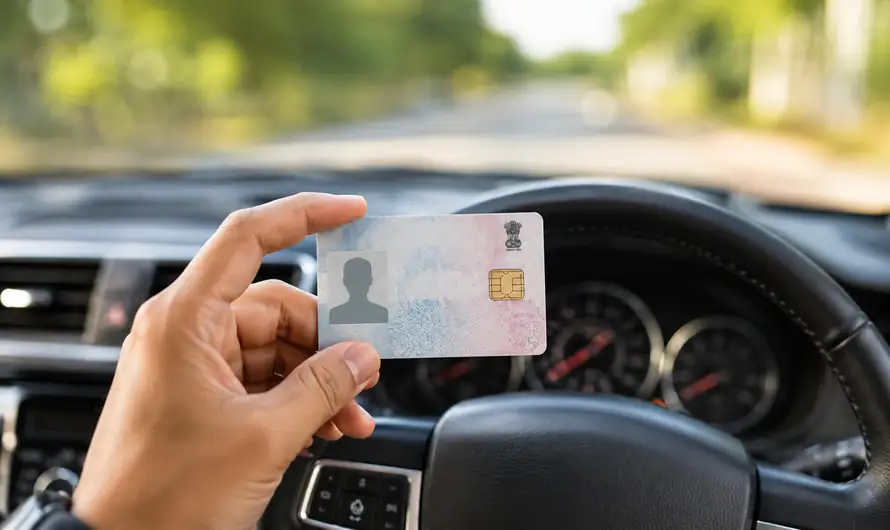
Before starting the application, keep your existing driving licence and required personal details ready. Depending on the application, documents such as proof of age and address, photograph, self-declaration of physical fitness and a medical certificate may be required. The official Form 2 specifically includes renewal of a driving licence among the available services.
How to Renew Your Driving Licence Online
1. Open the Sarathi Parivahan Website
Visit the official Sarathi Parivahan portal and select the state where your driving licence service is being handled. Use only the official government portal rather than third-party websites that claim to process renewals for you. Keeping your mobile number updated can also help with online services and notifications.
2. Select Driving Licence Renewal
After entering the Sarathi service, look for the driving-licence-related services and choose the renewal option. Enter the requested licence information carefully. Before continuing, compare the information displayed on the screen with your existing licence so that an incorrect number, date or personal detail does not create unnecessary delays.
3. Upload the Required Documents
The documents required can depend on your circumstances. Official guidance lists documents such as proof of address and age, Form 1 self-declaration of physical fitness, and Form 1A medical certification where applicable. A photograph may also be required for the online application. Check the document list shown by the portal for your specific application before uploading anything.
4. Pay the Applicable Renewal Fee
Once the application details and required documents are completed, review the fee information displayed by the official portal and make the applicable payment through the available payment option. Do not rely on old fee figures from random websites because charges and service requirements can change.
5. Complete Verification and Track the Application
Some applications may be completed through contactless or online verification, while others can require an appointment or visit to the licensing authority depending on the service and state. The Parivahan system explains that requirements can differ between contactless and non-contactless services. Keep your application details and payment confirmation safely until the renewed licence process is completed.
Driving License Renewal Online 2026: Important Documents
The exact document list depends on the applicant and licence category. Commonly requested documents can include:
- Existing driving licence details
- Proof of age and address where required
- Photograph
- Form 1 self-declaration
- Form 1A medical certificate where applicable
- Other documents requested by the licensing authority
The official Form 2 and document guidance should be checked before submission because requirements can differ according to the application.
What If Online Renewal Does Not Work?
If the application cannot proceed, first check the licence details, mobile number, uploaded documents and payment status. Some services may require physical verification or additional action at the concerned RTO. For technical problems with driving-licence services, Parivahan provides a dedicated Sarathi helpdesk.
Frequently Asked Questions
Can I renew my driving licence online?
Yes. Eligible driving-licence renewal services are available through the official Sarathi Parivahan system.
What documents are needed for renewal?
Requirements vary, but official guidance includes age/address proof, fitness declaration and medical certification where applicable.
Table of Contents
No. The requirement depends on the applicant’s circumstances and licence category. Check the official document list during the application.
Do I always need to visit the RTO?
Not necessarily. Some services support contactless processing, while others may require an RTO visit for verification.
Conclusion
Driving License Renewal Online 2026 can save time when the correct Sarathi service is selected and the required information is prepared beforehand. Use the official Parivahan portal, verify every detail carefully and follow any additional instructions shown for your application.Driving License Renewal Online 2026 makes the renewal process more convenient when the correct details and documents are prepared in advance.
Internal Link Suggestion:
Kerala Government Online Services
Official External Link(s):
Sarathi Parivahan – Official Driving Licence Services
Parivahan – Ministry of Road Transport & Highways