by
by Summary Box: A Call Announcer App can make incoming calls easier to notice by speaking caller information aloud and providing additional visual alerts. This guide covers useful features, setup options, supported notifications and important limitations.
What Does a Call Announcer App Do?
A Call Announcer App is designed for people who want to know who is calling without constantly looking at the phone screen. The app discussed here can announce incoming calls and also provide alerts for SMS and WhatsApp notifications. It supports Text-to-Speech (TTS), allowing the phone to speak information aloud in supported languages.
This can be particularly useful when the phone is kept away from you, when you are cooking or working, or when you cannot immediately pick it up. The app also provides caller identification and a call summary after calls, according to its Google Play listing.
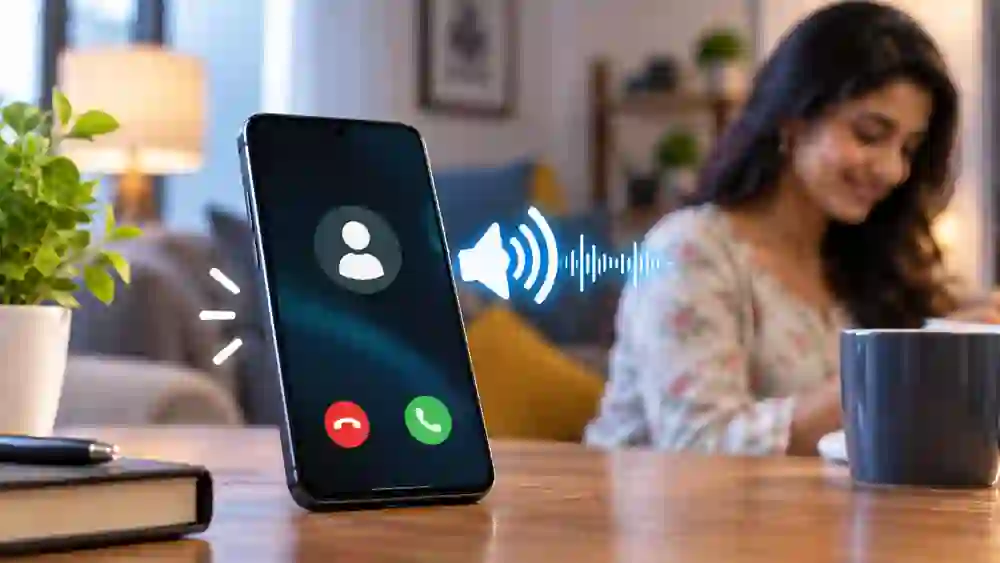
Call Announcer App: 7 Features Worth Trying
1. Hear Who Is Calling
Instead of checking the display whenever the phone rings, the app can announce the caller’s name aloud. Unknown numbers can also be identified as unknown calls, depending on the information available to the phone.
2. Announce SMS Messages
The notification system is not limited to phone calls. SMS announcements can be enabled so that incoming messages can be announced through the phone’s speaker.
3. Get WhatsApp Alerts
WhatsApp notifications are another supported feature. Users can configure the application to announce WhatsApp-related alerts, making it easier to notice messages without immediately opening the app.
4. Choose Different Announcement Volumes
The app provides separate volume controls for calls, SMS and WhatsApp announcements. It also works with compatible Text-to-Speech engines and supports different languages where the selected TTS system provides them.
5. Control Specific Contacts
You do not necessarily have to announce every caller. The settings include an option to turn announcements off for selected contacts. There is also an option to use a different or fake name instead of the stored real name.
6. Use Camera Flash Alerts
For people who prefer visual notifications, the app can make the camera flash blink for calls, SMS and app notifications. The blinking pattern can be changed, while gestures such as shaking the phone or using the power button can stop the flash.
7. Use It in Different Phone Modes
The application states that announcements can work in Ring, Silent and Vibrate modes. Flash alerts are also designed to stop automatically when the battery becomes low.
How to Set Up the App
After installing the application, open its settings and enable the announcement features you need. Check the required notification and phone permissions, select a suitable Text-to-Speech engine and choose the language and volume.
Next, decide whether you want call, SMS or WhatsApp announcements. If you use flash notifications, customize the blinking pattern and stopping gesture. It is better to enable only the features you actually need so your phone does not produce unnecessary alerts.
Is This App Completely Reliable?
The Google Play listing shows the app was updated on November 1, 2025, with bug fixes and performance improvements. However, recent user reviews have reported issues involving WhatsApp caller identification, Do Not Disturb behaviour and occasional problems with the incoming-call interface. These are user-reported experiences rather than a statement that every device will have the same problem.
The Play Store also states that the developer may share certain data types with third parties and that data is encrypted in transit. Check the current permissions and Data Safety information on the Play Store before installing.
Frequently Asked Questions
What is a Call Announcer App?
It is an Android utility that can speak caller information aloud and provide additional alerts for calls and selected notifications.
Can it announce WhatsApp messages?
Yes. WhatsApp announcements are listed among the supported features, although actual behaviour can depend on notification and device settings.
Table of Contents
Does it support different languages?
It can announce information in languages supported by the selected Text-to-Speech engine.
Can I disable announcements for a contact?
Yes. The app provides controls for disabling announcements for specific contacts.
Is it available for Android?
Yes. The app is available on Google Play and is published by Backtracking Technologies.
Conclusion
A Call Announcer App can be useful when you want hands-free information about incoming calls and notifications. Voice announcements, contact controls, TTS support and flashlight alerts provide several ways to customize how your phone notifies you. Since features can behave differently across devices, checking permissions and testing the important settings after installation is a sensible step.
Internal Link Suggestion:
Useful Android Apps for Everyday Tasks
Official External Link(s):
Caller Name Announcer – Google Play