
Summary Box: Download Voter ID Online through the Election Commission of India’s official voter portal and access your digital e-EPIC. This updated guide explains the current process, required details, verification and what to do if you cannot find your voter record.
Download Voter ID Online: What Is e-EPIC?
Download Voter ID Online is the digital way to access your Elector Photo Identity Card through the Election Commission of India. The official ECI website currently lists Download Voter ID (E-EPIC) as a voter service, while the Voters’ Services Portal provides an E-EPIC Download facility for getting the digital version of the electoral photo identity card.
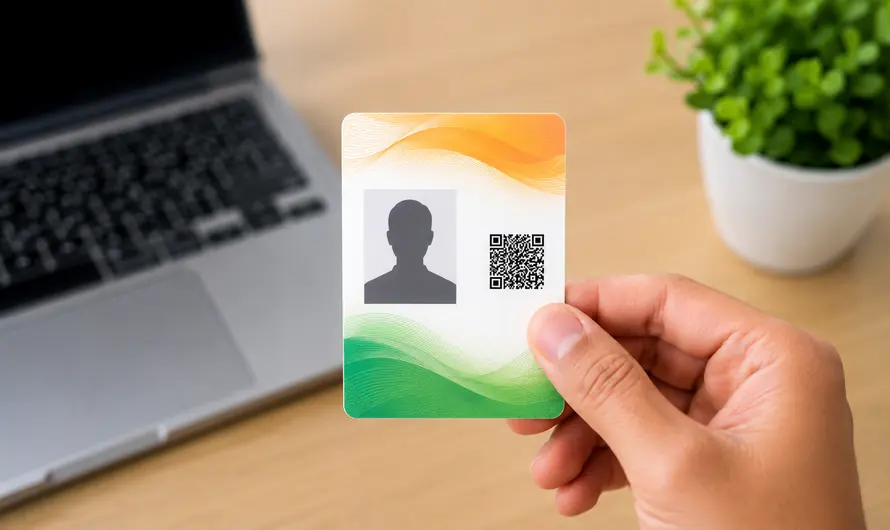
The digital card can be useful when you need quick access to your voter document without depending only on the physical EPIC card. Before starting, keep your EPIC number or application reference number available. ECI information confirms that e-EPIC can be accessed using an EPIC number or the reference number associated with the relevant application.
How to Download Voter ID Online
1. Open the ECI Voter Portal
Go to the official Voters’ Services Portal at voters.eci.gov.in. The portal provides several electoral services, including voter registration, application tracking, electoral-roll search and e-EPIC access. ECI describes the portal as its web-based platform for managing voter-related services online.
2. Sign In to Your Account
Select the login option and enter your registered mobile number, email ID or EPIC number as requested. The current ECI login page also provides an OTP-based sign-in process. If you do not have an account, use the registration option and complete the required details.
3. Open the E-EPIC Service
After logging in, find E-EPIC Download on the voter-services portal. Enter your EPIC number or the applicable reference number and follow the instructions displayed on screen. Check the information carefully before continuing, because an incorrect number may prevent the system from finding the correct electoral record.
4. Complete Verification
Complete the verification requested by the portal. Depending on the account and service, you may need to confirm your registered mobile number or provide an OTP. Never share your OTP, login credentials or other sensitive voter information with third parties claiming to provide a faster download service.
5. Save the Digital Voter Card
After successful verification, follow the portal instructions to access your e-EPIC. Save the digital document securely on your phone or computer so that it is available when needed. It is also sensible to keep your electoral information updated through the official portal if your address or other details change.
What If You Cannot Find Your Voter Details?
If you do not know your EPIC number, use the official Search Your Name in Voter List facility available through the ECI voter portal. The service can help you locate your electoral information and polling details.
If your details contain an error or you need a replacement EPIC, ECI provides Form 8 for correction of existing electoral-roll entries and replacement of EPIC in applicable cases.
Is Downloading a Digital Voter ID Safe?
Using the official ECI portal is the safest approach because it is the Election Commission’s own voter-services platform. Avoid websites that ask for unnecessary payments or personal information in exchange for downloading a voter card. The ECI also provides voter services through its ECINET platform, including e-EPIC download, application tracking and other electoral facilities.
For more useful government-service guides, visit Multimediazz.
Frequently Asked Questions
Can I Download Voter ID Online?
Yes. The Election Commission provides an official e-EPIC download service through its Voters’ Services Portal.
What is e-EPIC?
e-EPIC is the electronic version of the Elector Photo Identity Card that can be accessed through ECI’s digital voter-services system.
What do I need to download my digital voter card?
You may need your EPIC number or the reference number of your voter application, along with the required login and verification details.
Can I use the service on my phone?
Yes. The Voters’ Services Portal is accessible on mobile devices, and ECI also provides voter services through its digital platforms.
Table of Contents
Conclusion
Download Voter ID Online through the official ECI portal is a convenient way to access your digital e-EPIC. Keep your voter details ready, complete the official verification process and use only trusted Election Commission services for your electoral information.
Internal Link Suggestion:
PM Internship Scheme 2026: 7 Powerful Benefits You Should Know
Official External Link(s):
ECI Voters’ Services Portal
Election Commission of India – Electors