Summary Box: PMJAY Card Download Online helps eligible beneficiaries access their Ayushman card digitally through official government services. This updated guide explains the verification process, mobile option, important checks and simple ways to avoid common download problems.
What You Should Know Before Downloading the Card
The PMJAY Card Download Online facility is useful for beneficiaries who want a digital copy of their Ayushman card without depending on a physical document. Ayushman Bharat PM-JAY is implemented by the National Health Authority (NHA), and the official Ayushman app allows beneficiaries to create or access an Ayushman card themselves. The current Google Play listing identifies it as an official Government of India application.
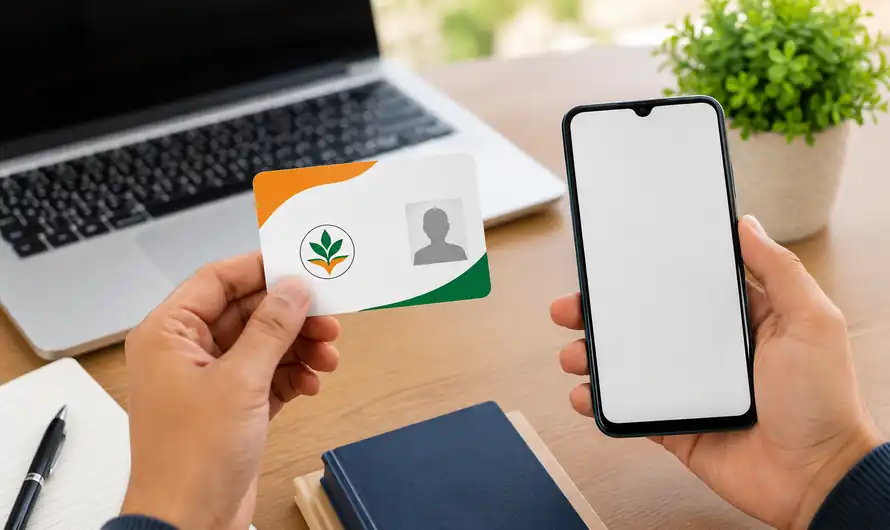
Before starting, make sure the beneficiary information is available in the official system and that the mobile number and identification details you use are correct. Depending on the beneficiary category and verification stage, additional authentication may be required. Using unofficial websites or sharing OTPs with other people can create unnecessary security risks, so the safest approach is to use NHA’s official services.
PMJAY Card Download Online: Follow These 5 Steps
1. Open the Official Beneficiary Service
Visit the official NHA beneficiary service and select the appropriate beneficiary option. Avoid websites that promise instant Ayushman cards through unknown payment links. The official route is preferable because the process involves personal identification information and beneficiary records.
2. Enter Your Required Details
Provide the information requested by the portal and continue with the beneficiary search or login process. The exact options shown can depend on your beneficiary record. Check every displayed detail carefully before moving forward, especially your name and other identification information.
3. Complete the Required Verification
If the system asks for authentication or e-KYC, complete the verification using the instructions shown on the official platform. Do not share an Aadhaar OTP with an agent or an unknown caller. For certain beneficiary categories, Aadhaar-based verification may be part of the enrolment process.
4. Access Your Digital Ayushman Card
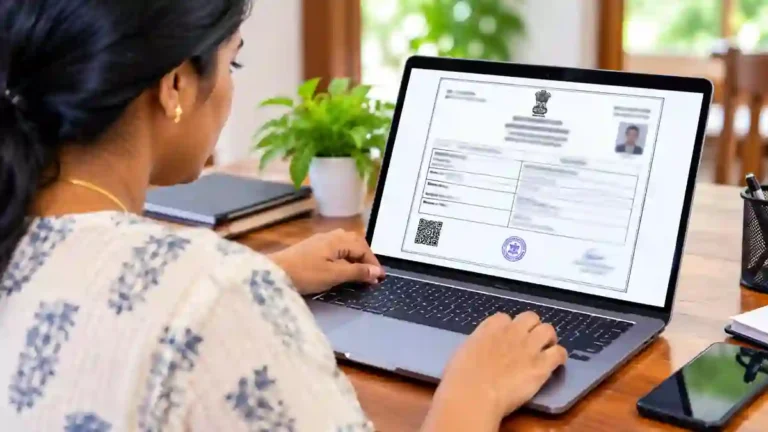
After successful verification and approval, the available card service can allow you to access the digital Ayushman card. The official Ayushman app is specifically designed to help beneficiaries create an Ayushman card themselves, making mobile access more convenient.
5. Download and Save the Card
Once the card is displayed, download the available digital copy and keep it in a secure location. It is a good idea to maintain a backup so that you can access the document when required. Also check the displayed information before using the card for healthcare services.
Can You Get the Ayushman Card on Mobile?
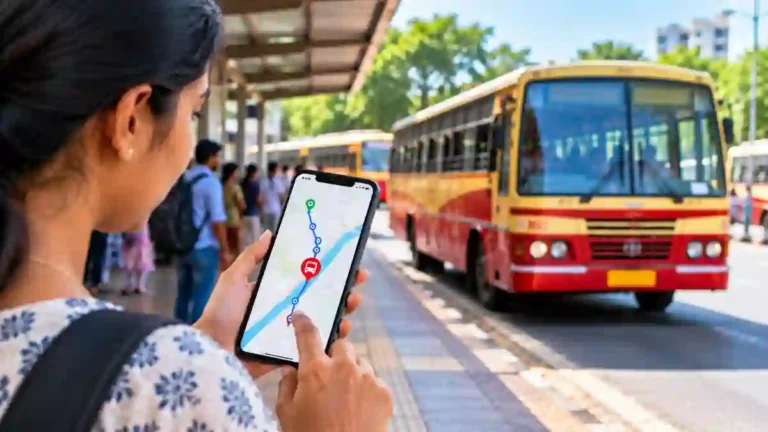
Yes. The official Ayushman App is available on Google Play and is published by the National Health Authority. Its current listing says beneficiaries can use the application to make an Ayushman card and access PM-JAY services.
If the application does not work correctly, first check your internet connection, update the app and try again later. You should not install unofficial APK files simply because a website claims they provide a faster download. For additional government-service information, you can also add an internal link to your related government services article on Multimediazz.
Table of Contents
What to Do If the Card Is Not Available
Sometimes the card may not appear immediately because the beneficiary record, verification or approval process is incomplete. In such situations, check the information entered and use the official support or beneficiary-assistance channels rather than repeatedly submitting incorrect details. If necessary, assistance can also be sought through authorised PM-JAY service points.
Frequently Asked Questions
What is PMJAY Card Download Online?
It is the online process of accessing or downloading an Ayushman card through official PM-JAY beneficiary services.
Is the Ayushman Card available on mobile?
Yes. The official Ayushman app supports beneficiary access to Ayushman card services.
Is the official Ayushman App free?
The Google Play listing identifies the Ayushman app as an official Government of India application from the National Health Authority.
What should I do if the download fails?
Check your details, internet connection and application version first. If the problem continues, use official NHA assistance instead of relying on unofficial websites.
Conclusion
PMJAY Card Download Online makes it easier for eligible beneficiaries to access their digital Ayushman card. Use the official NHA services, complete verification carefully and keep your downloaded card securely available for future use.
Internal Link Suggestion:Multimediatech
Official External Link(s):
Official NHA Beneficiary Portal
Official Ayushman App – Google Play
National Health Authority