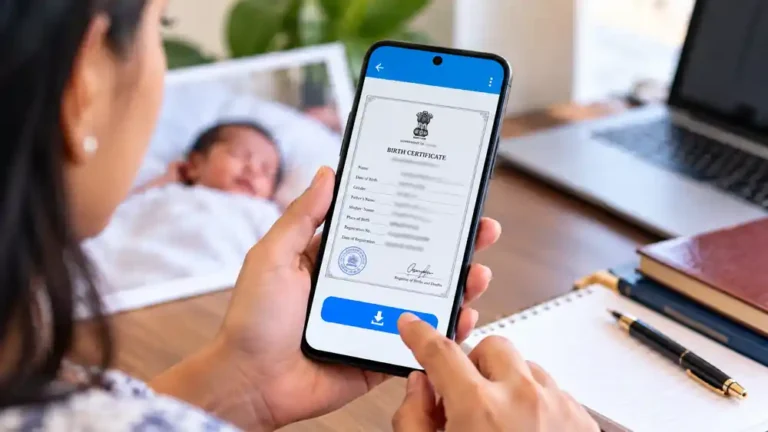
Summary Box: Update Aadhaar Card Details Online is useful for making eligible address and document changes through UIDAI’s digital services. This guide explains what can be changed online, what documents you may need, how to submit a request, and how to track it safely.This guide explains how to Update Aadhaar Card Details Online, which documents are required and how to track the request.
Update Aadhaar Card Details Online: Complete Guide
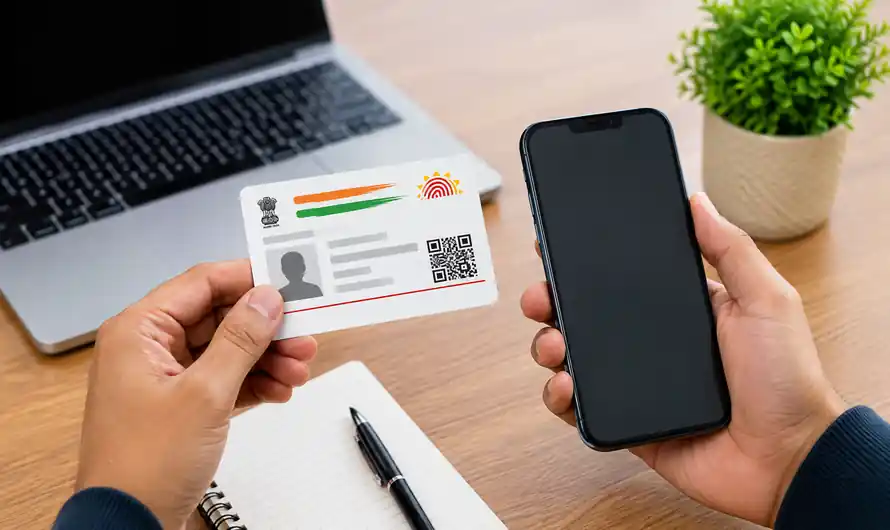
Update Aadhaar Card Details Online is mainly useful for services that UIDAI currently makes available through the myAadhaar platform. The online service supports address updates and document updates, while several other demographic or biometric changes require a visit to an Aadhaar Enrolment or Update Centre. UIDAI also states that a registered mobile number is required for using online update services.
This distinction is important because not every Aadhaar correction can be completed from home. For example, UIDAI directs users to an Aadhaar centre for mobile-number changes and other updates that are not supported through the online portal. Checking the exact service before submitting a request can prevent failed applications and unnecessary visits.
How to Update Aadhaar Card Details Online
- Open the Official myAadhaar Portal
Start by visiting the official myAadhaar service instead of using third-party websites. Log in with your Aadhaar number and the OTP sent to your registered mobile number. UIDAI specifically confirms that online services require a mobile number registered with Aadhaar.
- Select the Correct Update Service
Choose the service that matches your requirement. For example, an address change can be submitted online with a valid Proof of Address document. UIDAI’s current guidance says the online portal also supports document update, so selecting the correct option before uploading anything is important.
- Upload a Valid Supporting Document
Your document should meet UIDAI’s requirements and be in the Aadhaar holder’s name. For an address update, the address entered in the request should match the address shown on the supporting document, and the uploaded image should be a clear, coloured scan of the original. Invalid or mismatched documents can lead to rejection.
Common supporting documents can include an Indian passport, voter identity card, certain bank documents, utility bills and other documents listed by UIDAI. Always check the latest official document list before submitting your application because acceptable documents can change.
- Review Everything Before Submission
Carefully check the new information and uploaded document before confirming the request. A small spelling mistake, incorrect address or unclear document image can create delays. If the request is accepted for processing, UIDAI generates a Service Request Number (SRN) that can be used to track the application status.
- Track the Update Request
Keep the acknowledgement or SRN safely after submission. UIDAI says the SRN is displayed after successful submission and is also sent by SMS to the registered mobile number. The status can then be checked through the Aadhaar update-status facility.
Table of Contents
Which Aadhaar Changes Need a Centre Visit?
Online services do not cover every type of Aadhaar modification. UIDAI currently directs applicants to an Aadhaar Enrolment Centre for changes such as mobile number updates and other services that are unavailable online. Aadhaar centres can also handle demographic and biometric services, including photographs, fingerprints and iris scans.
For more useful government-service information, add an internal link here to your existing Voter ID Online, PMJAY Card Download Online, or Kerala Land Tax Online article on Multimediazz.
Frequently Asked Questions
Can I update my Aadhaar address online?
Yes. UIDAI allows eligible users to submit an address-update request online through myAadhaar with the required Proof of Address document.
Is a registered mobile number required?
Yes. UIDAI states that a mobile number registered with Aadhaar is required to use online update services.
Can I change my mobile number online?
No. UIDAI currently directs users to an Aadhaar Enrolment Centre for mobile-number updates.
What happens if my document is rejected?
Check that the document is valid, belongs to the Aadhaar holder, matches the information entered and has a clear coloured scan. Then follow the official process for submitting a corrected request.
Conclusion
Update Aadhaar Card Details Online can save time when your required service is supported digitally. Use the official UIDAI portal, select the correct service, upload valid documents and keep your SRN so you can track the request without unnecessary confusion.By following the official process, you can Update Aadhaar Card Details Online more safely and avoid common mistakes.
Internal Link Suggestion:
FieldCalc GPS Area Measure: 7 Smart Ways to Measure Land on Mobile
Official External Link(s):
UIDAI Official Website
myAadhaar Official Portal
UIDAI Aadhaar Update Information