Summary: A Screen Privacy App can make your phone display less visible when you are using it around other people. Learn how Screen Hider works, its different viewing modes, setup requirements and important privacy details.
Why Would You Need a Screen Privacy App?
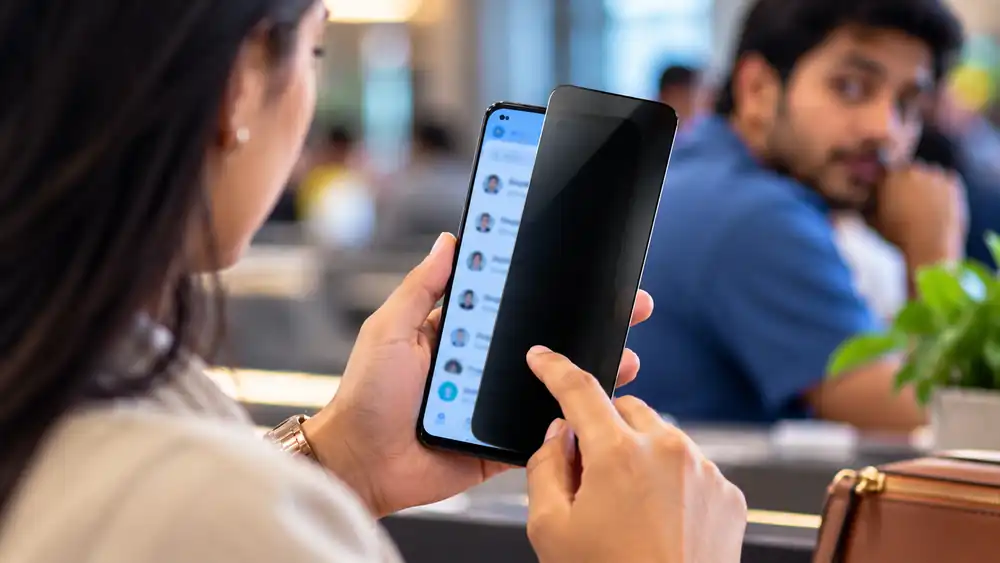
A Screen Privacy App is useful when you want more control over what people nearby can see on your phone. Screen Hider from Titan Built Apps uses screen overlays to cover or change the appearance of the active display without requiring you to switch the phone off. Its Google Play listing currently shows 10K+ downloads and an update in March 2026.
Instead of relying on only one hiding style, the app provides several options. You can make the display appear blank, show a book-like overlay, display an image from your gallery or adjust the transparency. This makes the app more flexible for different situations where screen visibility is a concern.
Screen Privacy App Features Worth Trying
1. Use Different Screen Disguises
The app offers several visual styles rather than simply turning the display black. Available choices include a blank screen and effects designed to resemble a low battery, cracked display or crashed phone. These options can make the visible screen look different from the actual activity underneath.
2. Try the Book Overlay
The Book Overlay is one of the more distinctive features. It places a book-style layer over the screen while transparent gaps allow the underlying display to remain partly visible to the user. This can provide a different way to reduce obvious screen visibility without completely stopping the current activity.
3. Turn Your Gallery Into a Cover
Gallery Mode can show a random picture from your phone’s gallery whenever you activate the hiding feature. Instead of displaying the application you were using, the visible screen can look like a normal gallery view.
4. Prevent Accidental Taps
Touch Lock is designed to stop unwanted touches while the hiding mode is active. This can be useful when the phone is being handled or when you want to prevent accidental interaction with the underlying application.
5. Control Visibility
The app includes brightness and transparency controls. You can adjust how dark or transparent the overlay appears instead of using one fixed setting. This lets you choose a level of visibility that suits the situation.
6. Set a Quick-Launch App
Another option is Quick Launch App. According to the developer’s listing, you can select an application that opens automatically when you attempt to hide the screen. This can help you move quickly from one activity to another.
7. Use the Fake Caller Option
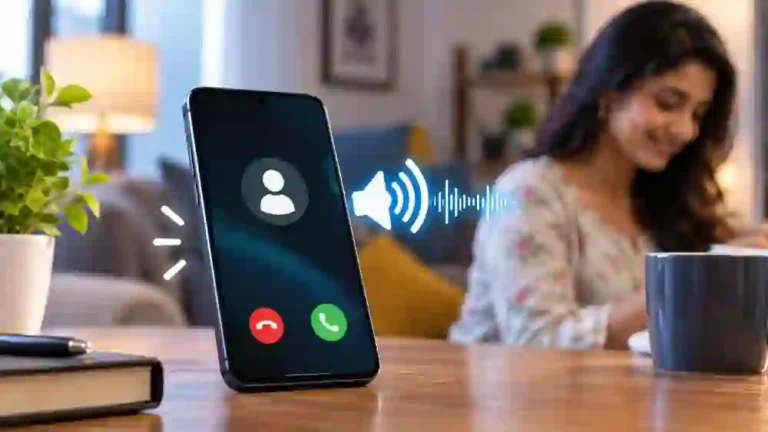
Screen Hider also includes a configurable Fake Caller feature. It can display a simulated incoming call with customizable contact information. This is a separate utility from the core screen-hiding function and should be used responsibly.
How to Set Up Screen Hider
Getting started is relatively straightforward:
Table of Contents
- Install Screen Hider from its official Google Play listing.
- Open the application and choose a preferred hiding mode.
- Adjust transparency or brightness according to your needs.
- Enable Touch Lock if required.
- Grant the requested permissions for features that need them.
- Test the selected overlay before using it in a real situation.
The developer states that overlay permission and contacts permission are required to use the app’s full feature set.
Is This Screen Privacy App Safe?
Users should check permissions before installing any privacy-related application. Google Play currently states that Screen Hider may share location and device or other IDs with third parties and may collect contacts; the listing also says data is encrypted in transit. These are developer-provided disclosures and can change over time.
The developer’s official website identifies Titan Built Apps as an India-based independent app developer and lists Screen Hider among its featured applications.
Frequently Asked Questions
Does Screen Hider work on Android?
Yes. The specific Screen Hider app is currently listed on Google Play for Android devices.
Can I make the screen completely blank?
Yes. The app includes a Default Blank Screen option along with several alternative visual styles.
Does the app require permissions?
Yes. The developer says overlay and contacts permissions are needed for full functionality.
Can I adjust the screen transparency?
Yes. Brightness and transparency controls are included among the app’s listed features.
Is there an official iPhone download?
The developer’s website says its apps are available across Android and iOS, but I could not verify an official Apple App Store listing for this specific Screen Hider app.
Conclusion
A Screen Privacy App can be useful when you want to reduce the visibility of your phone display without simply turning the device off. Screen Hider provides several approaches, including visual overlays, Gallery Mode, Touch Lock, transparency controls and Quick Launch. Before installing it, review the current permissions and Google Play data-safety information.A Screen Privacy App can be useful when you want to keep sensitive information away from nearby viewers.
Internal Link Suggestion:
High Volume Booster App: 7 Amazing & Powerful Sound Features
Official External Link(s):
Screen Hider – Official Google Play Listing